
1. Map every entrance between the road and the room
A working villa door code is little help if a taxi cannot get past security. Walk the full arrival route and identify who controls each stage.
| Stage | What must be arranged |
|---|---|
| Community gate | An approved visitor pass, intercom call, gate credential or guard procedure. |
| Guard desk | The expected guest list and any required arrival verification. |
| Vehicle and parking | Vehicle registration, a designated entrance and parking instructions where required. |
| Building or villa door | The correct key, keypad code or supported digital credential. |
Check pedestrian and vehicle routes independently. A guest arriving on foot, a late taxi and a returning rental car may face different entrances and procedures.
2. Get the community’s approval before choosing equipment
Ask the association or building manager which short-stay arrival procedures are allowed, who can authorize guests and whether third-party connections are permitted. Record approved visitor hours, required information and the contact responsible for changes.
Do not modify a communal gate, add an unapproved controller or hand guests a resident’s permanent credential. Start with the installed system and its approved visitor workflow. For example, ButterflyMX describes visitor and remote gate-access options; that does not establish compatibility with your community or rental software.
If there is no permitted software connection, a structured arrival list and a staffed guard handoff may be the right first improvement. Automation can prepare the handoff without taking control of the gate.
3. Design the access lifecycle around the reservation
Use a confirmed booking as the starting point, then check the property, approved occupants, local arrival and departure times, and any required community approval. Where supported, issue a unique visitor credential with a limited validity window.
- Before arrival: prepare the guest registration and request the right permissions.
- Before sending instructions: verify credentials and the guard handoff are ready.
- During the stay: handle approved changes without granting access to unrelated areas.
- After departure: confirm expiry or supported revocation and close the arrival record.
Keep staff and guest permissions separate. Cleaners may need a different time window and entrance. Avoid a shared permanent code that remains valid for every former guest.
4. Verify what the hardware can actually change
Ask specific questions: Can this model create timed credentials? Does it require a bridge? Can it revoke an already-issued code remotely? What happens when the gate or lock is offline? Who receives a failed command?
These capabilities vary by device and credential type. Igloo’s algoPIN documentation, for example, describes offline code generation with activation and deletion limitations. An offline credential should not be assumed to disappear immediately when a booking is canceled.
Also separate an issued command from usable access. Igloo Bridge operations involve a device job and can fail when the Bridge is offline. Check the result, then test the guest’s actual entry method. Do not mark access ready from an API acknowledgement alone.
5. Send one clear set of arrival instructions
Put directions in the order a guest encounters them: correct community entrance, guard procedure, parking, property location and door access. Clearly label a gate pass and a door code if they are different. State when each becomes valid.
“Please use the north visitor entrance from 3 pm on your arrival date. Tell security the booking name and Villa 12. Your approved gate pass is separate from the villa door code. Park in Bay 12, then follow the signs to the blue door. If entry fails, contact our arrival team using the number below.”
This is an example structure; replace it with your approved process. Share sensitive credentials through the appropriate private booking channel. Keep them out of public listing text and broad staff groups. Collect only the information the approved entry procedure requires.
6. Plan changes and an offline fallback
An extension may require changes at both the gate and the door. A cancellation may need guard-list removal and separate credential revocation. An early check-in should be approved against property readiness before access is extended.
Write a fallback for a dead phone, missing mobile signal, power outage, unavailable bridge and delayed guard registration. That might mean an approved staffed entrance, an on-call co-host or a controlled emergency key process.
Assign a named owner and backup, with instructions security can follow at night. Protect emergency credentials and record their use. A fallback should restore authorized guest entry without leaving a shared gate permanently open or bypassing the community’s checks.
7. Test the full journey before the first unattended arrival
Use a test booking and ask someone unfamiliar with the property to follow the instructions. Test at the entrances guests will actually use, including after-hours arrangements.
- Try entry before, during and after the permitted window.
- Test pedestrian entry, vehicle entry, parking and the final door.
- Change the dates, extend the stay and cancel the test booking.
- Check what happens if an event arrives twice or an access command fails.
- Test the approved offline fallback and the on-call contact.
Keep separate evidence of credential creation, delivery to the guest, device confirmation and successful entry where available. An opening log may show a gate release; it does not by itself prove the guest reached the correct property.
8. Choose software around the approved workflow
Show potential vendors your entrance map, installed device models and change scenarios. Ask them to demonstrate your workflow rather than a generic “smart check-in” screen. Confirm who supports failures spanning the PMS, visitor system and door hardware.
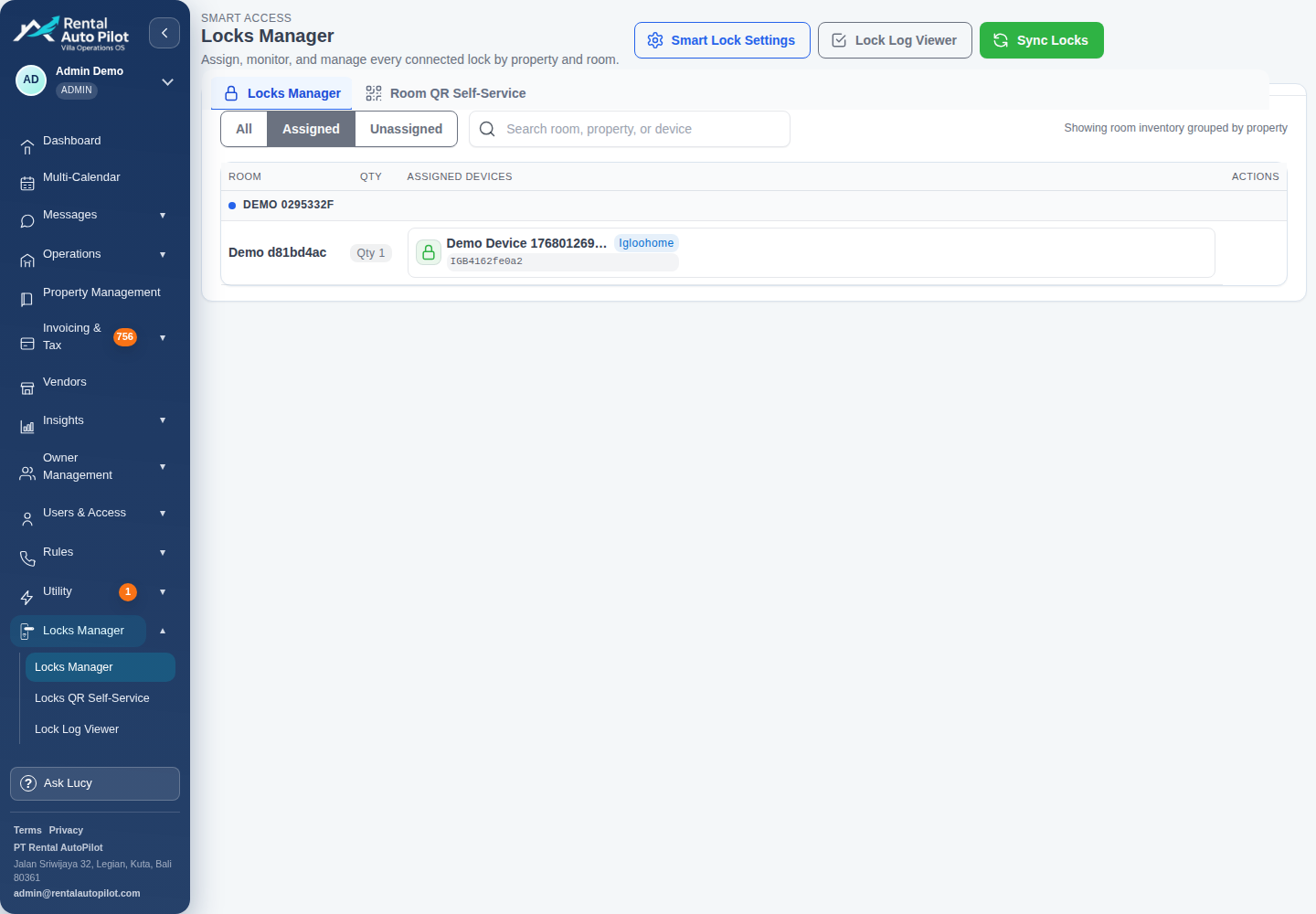
Rental AutoPilot can support property lock workflows with supported Igloohome and TTLock devices, depending on configuration. Shared gates need their own compatibility and authorization review; do not assume an arbitrary community gate has a direct Rental AutoPilot integration.
Start with reliable reservation data, a clear approval handoff and tested instructions. Add direct access control only where the community permits it and the exact equipment supports the required lifecycle.
Common questions
Is a smart door lock enough for Airbnb self check-in in a gated community?
Only if guests can also pass every shared entrance. Community approval, security registration and vehicle access may need separate arrangements from the property door.
Can a canceled booking’s access always be revoked immediately?
No. Revocation depends on the hardware, credential type, connectivity and approved access system. Verify the supported process and plan a response for credentials that cannot be removed remotely.
What if the community has no API?
Use its approved visitor process. You may still prepare arrival information and coordinate a guard handoff, while keeping gate authorization with the community’s responsible staff.
Sources and further reading
Official documentation checked 2026-10-21. Capabilities depend on the product, connection, and account configuration.