
1. Understand what Airbnb automation actually does
Airbnb automation means using booking events and rules to carry out repetitive hosting tasks: send arrival instructions, prepare a cleaning assignment, or remind a guest about checkout. A useful rule has a trigger, conditions, an action and someone responsible if it fails.
For example: “The day before arrival, if the reservation is still confirmed and access is ready, send the correct arrival instructions.” Sending that message on a fixed date without checking the booking is much less reliable.
You can automate parts of hosting inside Airbnb. An operation with several channels, properties or staff roles may also need a property management system (PMS) and an operations layer. Buying more tools is not the starting point; mapping your handoffs is.
2. Choose one workflow that removes daily chasing
Write down what happens between a confirmed booking and a guest entering a clean property. Mark every place where someone copies dates, asks for missing details or checks whether another person has finished.
- Frequent questions: prepare accurate arrival, Wi-Fi and checkout templates.
- Missed handoffs: connect departures to housekeeping responsibilities.
- Late arrivals: establish verified access and an after-hours contact.
- Forgotten follow-up: schedule a short check-in with a clear reply owner.
Choose the most frequent, predictable task first. Record a baseline such as minutes spent per booking or the number of arrival-day calls so you can judge whether the change helps.
3. Keep reservation data in one operational source
Every rule needs the correct property, booking status, arrival date, departure date and local timezone. Agree which system owns those details and how changes reach the rest of your operation.
A channel manager primarily connects distribution channels; a PMS typically holds a broader reservation and property workflow. Exact features vary. Calendar availability alone does not tell a cleaner about an approved late checkout or give a messaging tool every detail it needs.
Check which fields your actual connection provides and how quickly updates arrive. An API connection and an iCal calendar feed support different workflows; see our iCal versus API guide before treating them as interchangeable.
4. Schedule messages around decisions guests need to make
Start with a booking acknowledgement, practical pre-arrival information and a concise checkout reminder. Give each message one purpose. Include the property name, local dates and a way to reach a person.
Airbnb scheduled quick replies can run around booking, check-in and checkout. They use the listing timezone; last-minute bookings and short stays need special attention because some scheduled messages may be skipped.
Preview every variable using a real example. Empty directions or an incorrect checkout time can make a polished template unusable. Decide whether Airbnb or another connected tool sends each message so two systems do not send the same arrival instructions.
5. Connect check-in instructions to verified access
A smart lock can help with self check-in, but an access workflow also needs the right door, valid dates, working hardware and a fallback. Test the whole route as a guest would, including any community gate or reception desk.
Use booking-specific, time-limited access where the hardware supports it. Confirm the credential is ready before telling the guest they can enter. A request accepted by a provider does not prove the lock has received it or the door will open.
Keep early arrival, extensions and cancellations in scope. Some offline credentials have revocation limits, so ask the manufacturer how changes work. Our gated-community entry guide covers shared entrances separately.
6. Give housekeeping a clear handoff
A departure can trigger a cleaning task, but the assignment should still show who owns it, when it is due and what counts as complete. Include relevant property instructions without exposing unnecessary guest information.
For a same-day turnover, distinguish “guest departed,” “cleaning assigned,” “cleaning finished” and “property checked.” Treating those as a single status can release check-in instructions before the property is ready.
Decide who handles a delayed clean, maintenance problem or approved late checkout. Send an exception to that person rather than repeatedly notifying the whole team. The aim is a dependable handoff with visible responsibility.
7. Follow up without putting conversations on autopilot
A short arrival check can surface a problem while you can still help. A checkout thank-you can close the stay naturally. Use the guest follow-up schedule and templates to design these as a separate workflow.
When a guest replies, someone must read it. Pause incompatible reminders while the team handles a problem or changed plan. Refunds, safety concerns, complaints and unusual access requests need human judgement and the appropriate permissions.
Agree who is on duty, how urgent issues reach them and who covers an absence. Automating a greeting does not remove the need to be available when the guest needs help.
8. Run a small pilot and calculate the full cost
Pilot one property with staff watching every action. Test a normal stay, a same-day booking, cancellation, date change, extension, duplicate event, failed message and unavailable lock. Confirm each produces the right action or a useful exception.
Budget for software subscriptions, setup, message usage, lock hardware, bridges or connectivity, staff training and ongoing maintenance. Ask vendors what is included and what depends on another subscription; avoid comparing headline subscription prices alone.
Review missed steps, duplicate messages, manual interventions and guest confusion. Expand only when the team understands what happens if a connection is delayed or a rule cannot finish.
9. Where Rental AutoPilot can fit
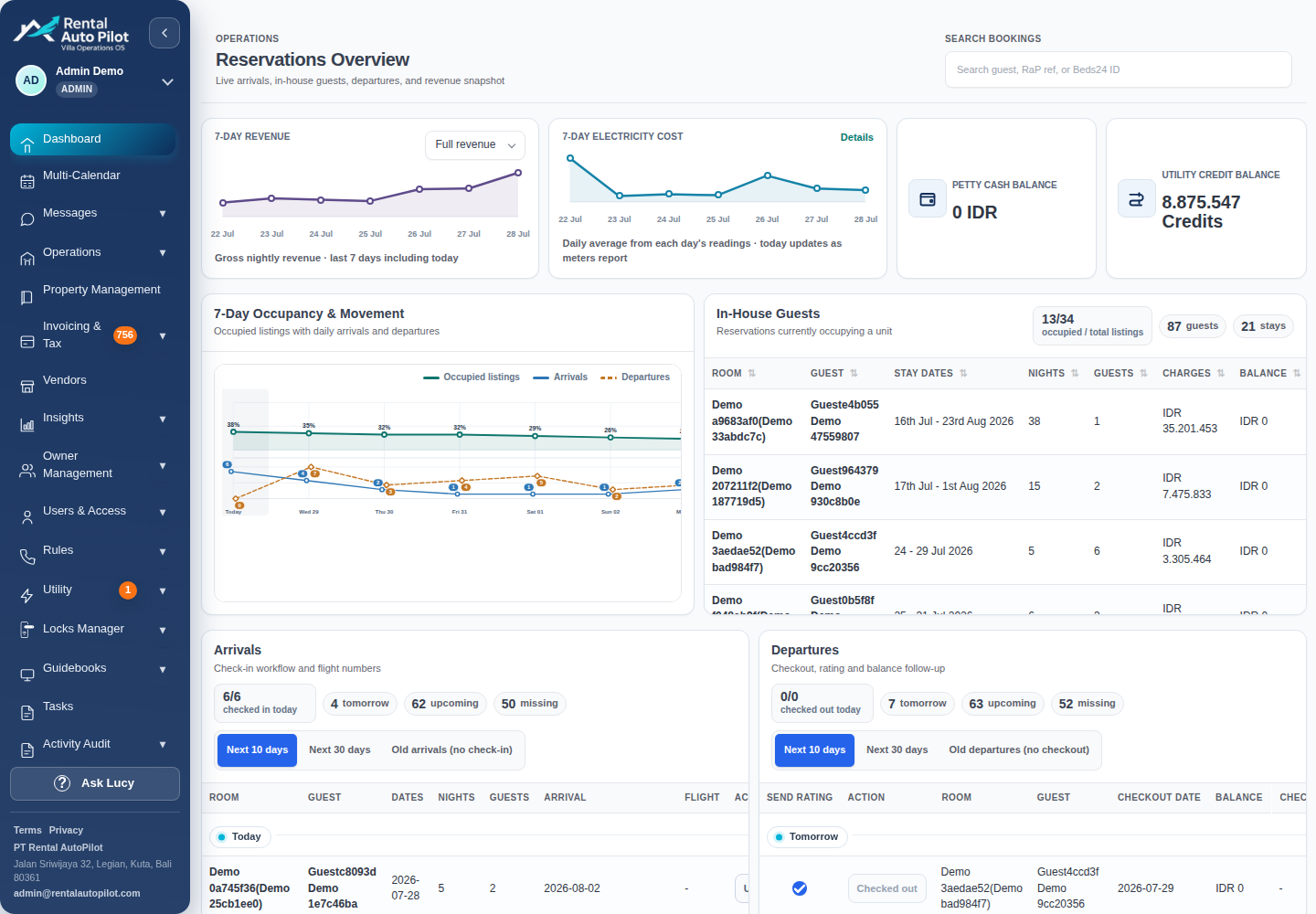
Rental AutoPilot helps connect reservation context with guest communication and day-to-day property operations. Supported PMS connections include Beds24, Guesty and Hostaway. Lock workflows can use supported Igloohome and TTLock devices, subject to device capabilities and configuration.
Start a product discussion with one real booking journey, the PMS you use and the tasks your staff currently chase. Verify the required fields, communication channels and hardware before choosing a workflow. A supported PMS connection should not be read as a promise of a direct Airbnb connection for every account.
Common questions
Can I automate my Airbnb without a PMS?
You can start with Airbnb’s own scheduled quick replies and clear staff procedures. A PMS becomes more useful when you need one reservation workflow across multiple channels or properties. Choose around your actual handoffs.
Can an Airbnb business be fully automated?
Many routine steps can be automated, but guests still need an accountable person for problems, safety concerns and exceptions. Build a business with fewer repetitive tasks and reliable human support.
What should I automate first?
Choose a frequent, predictable task with accurate source data, such as a pre-arrival message. Test its booking changes and failure cases before adding access or more complex operational actions.
Sources and further reading
Official documentation checked 2026-10-21. Capabilities depend on the product, connection, and account configuration.