
The difference between a PMS and a channel manager
Think of a guest booking a three-night villa stay. The channel manager helps the sales channels agree on which nights are available and which rates apply. The PMS keeps the resulting reservation attached to the correct guest, property, dates, and stay status.
Once the booking arrives, the team still needs to prepare the villa, communicate arrival information, and arrange access. Those workflows may be inside the PMS, provided through integrations, or handled by a connected operations platform.
| Question | PMS | Channel manager |
|---|---|---|
| What does it manage? | Reservations, guest records, and the stay lifecycle. | Distribution between the property and booking channels. |
| Where are rates and availability sent? | May provide the source data or include distribution tools. | Transmits supported rates, availability, and restrictions to channels. |
| How are new bookings handled? | Stores and presents the reservation for the team. | Receives and exchanges booking updates through supported connections. |
| Does it coordinate staff? | May include tasks, an inbox, and housekeeping tools. | Usually relies on the PMS or a connected operations tool. |
| Does it replace accounting? | May offer financial reports or integrations; depth varies. | Distribution alone does not provide a complete accounting ledger. |
These are functional categories, rather than rigid product boundaries. A platform sold as a PMS can also include a channel manager, messaging, payments, and reporting.
Do you need a PMS, a channel manager, or both?
Start with how you sell and operate the property.
- One property on one channel: the channel’s own calendar, reservations, and messaging may cover the initial workload. Check what still happens manually before buying more software.
- The same property sold on several channels: distribution becomes a separate problem. A channel manager can reduce repeated calendar and rate updates across connected listings.
- Several properties with shared staff: reservation organization, property mapping, permissions, and task ownership become increasingly valuable. Assess PMS and operational workflows together.
- A staffed villa or concierge operation: check the actual handoffs to housekeeping, maintenance, drivers, and guest relations. A synchronized calendar alone will not assign responsibility or confirm readiness.
Many multi-channel operators need both PMS and channel-management functions, delivered either by one product or through connected products. Avoid paying twice for overlapping capabilities unless there is a clear operational reason.
Check the connection: iCal and API do different jobs
A calendar connection is not automatically a complete channel-management connection. An iCal feed exchanges calendar events or blocked dates. It should not be treated as a dependable source for rates, guest conversations, or a complete reservation record.
An API connection can exchange richer data, depending on the channel, the software partner, and the enabled permissions. Supported fields and timing still need verification. Neither a product label nor the word “real-time” removes the need to test booking changes, cancellations, and failed updates.
Ask the vendor to show the specific connection for each channel you use. Check which system controls rates, which system receives bookings, and how a rejected update becomes visible to your team.
For the detailed comparison, read iCal vs API connections for short-term rentals.
How to compare platform examples without relying on labels
Beds24, Guesty, and Hostaway are examples to examine when comparing reservation and distribution software. Their official product documentation describes channel-management capabilities alongside wider property-management functions. They are examples for evaluation, rather than a universal ranking.
Compare a shortlist using your own workflow:
- Distribution: does the exact channel connection support your rates, restrictions, property types, and booking changes?
- Daily operations: can the right staff see arrivals, responsibilities, open requests, and property readiness on a phone?
- Communication: can the team see who replied and what the guest has already received?
- Access: are your exact lock models supported, and how are date changes and failed code actions handled?
- Financial control: distinguish booking revenue reports, payment processing, owner statements, and the authoritative accounting ledger.
- Commercial fit: check onboarding, required add-ons, integration access, support, and data export in the proposed plan.
Ask each vendor to demonstrate the same scenario. This makes the comparison more useful than a checklist of feature names whose meanings differ between products.
Follow one booking from sale to checkout
Suppose a guest books Villa A from Friday to Monday, then extends to Tuesday.
- Distribution: the channel connection receives the change and updates supported availability and rates in the relevant systems.
- Reservation: the PMS shows the revised dates and property so the team works from the current stay record.
- Operations: housekeeping is moved, supported access is adjusted, and departure reminders are recalculated where those workflows are configured.
- Verification: someone can inspect the updated booking, actual access status, staff assignments, and message history.
If the calendar changes but the cleaner still arrives on Monday, the distribution function may have worked while the operational handoff failed. Decide who owns that handoff before adding another system.
A useful demonstration also includes cancellation, a late same-day booking, and an unavailable device or connection. The team should be able to tell which step completed and which needs attention.
Where Rental AutoPilot fits in the stack
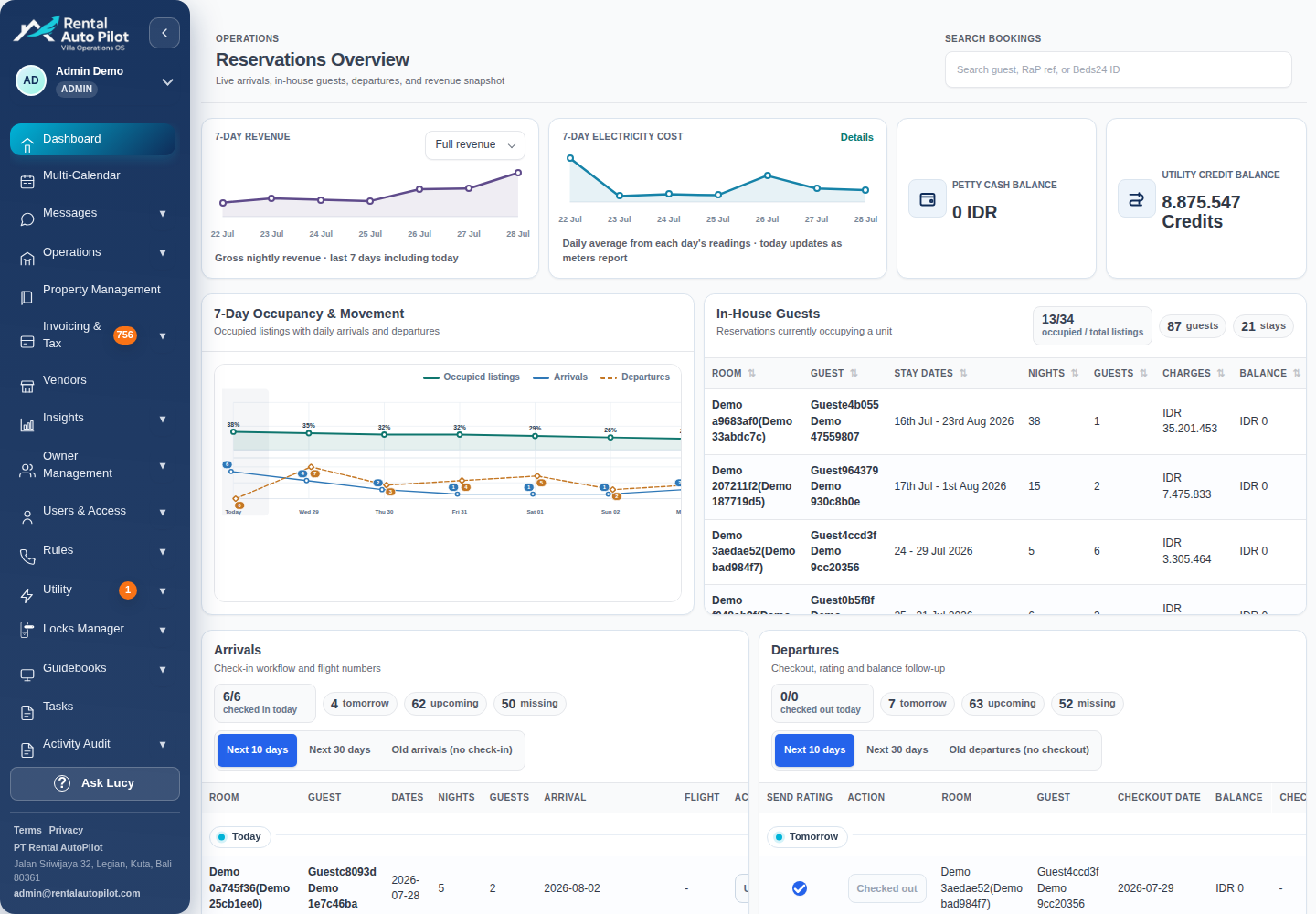
Rental AutoPilot connects supported reservation sources to the work around the stay: guest messaging, digital guidebooks, smart access, housekeeping, maintenance, drivers, expenses, and owner visibility. Its published PMS connections include Beds24, Guesty, and Hostaway, depending on account configuration.
The PMS synchronization workflow brings booking and property context into the operation. Guest messaging and staff task workflows help the team act on that context. Supported Igloohome and TTLock access depends on the device and configured connection.
Keep one clear source for each responsibility: reservation data, distribution settings, access permissions, and accounting records. Confirm which system owns each record before enabling overlapping tools.
If your calendar already works well, begin with the handoff that costs the team the most repeated checking. You can improve that workflow while keeping the reservation platform you have chosen.
Common questions
What is the main difference between PMS and channel manager?
A PMS manages reservations, guests, and the stay lifecycle. A channel manager exchanges supported availability, rates, restrictions, and booking updates with sales channels. One product can provide both functions.
Can a PMS include a channel manager?
Yes. Many rental platforms include both. Check the exact channels, connection type, supported fields, and plan rather than assuming every connection provides the same capability.
Is a channel manager enough for villa staff coordination?
Distribution alone does not coordinate cleaners, maintenance, drivers, and guest requests. Those workflows need suitable PMS features, connected operational tools, or a clearly managed manual process.
Does a channel manager prevent every double booking?
It can reduce the risk through synchronized distribution, but timing, connection failures, mapping mistakes, and manual changes can still create problems. Test the connection and monitor failed updates.
Sources and further reading
Official documentation checked 2026-10-21. Capabilities depend on the product, connection, and account configuration.