
What counts as a multi-unit rental property?
Think of a courtyard with several studios, a group of cottages around a pool, or apartments inside one building. Different guests can book different accommodations for overlapping dates, while the team looks after the same location.
For this guide, consider a fictional property with six studios and a shared pool. Each studio hosts its own reservation. Pool maintenance, entrance directions, and the on-site contact are shared across the property.
A bedroom is a space inside an accommodation; a rentable unit is what a guest can book. A three-bedroom villa sold to one party is one unit. Three independently bookable studios are three units. That distinction affects availability, arrival messages, cleaning assignments, and reporting.
Separate the property, room type, and physical unit
Use a consistent name for each level, then make sure reservations and staff use the same physical-unit labels.
| Level | Example | Information it owns |
|---|---|---|
| Property | The courtyard complex | Location, shared facilities, common rules, and property contacts. |
| Room type | Garden studio | The category guests book, its promised features, and its sellable quantity. |
| Physical unit | Studio A | The actual accommodation, its allocation, readiness, and applicable access instructions. |
| Reservation | One guest party’s stay | Dates, booked category, assigned unit, requests, and conversation. |
The room type may contain several interchangeable units, or each accommodation may be sold individually. Beds24’s room setup documentation makes this distinction between a category and its units. Your channel configuration must reflect what the guest is actually promised.
Choose pooled inventory or individually sold units deliberately
With pooled inventory, a guest books a category such as “garden studio,” and the team allocates an eligible studio. With individually sold inventory, the guest books a particular accommodation. Both approaches need a reliable physical-unit record.
Only pool units that meet the same booking promise. A different view, step-free entrance, private kitchen, or bed arrangement may affect whether one unit can substitute for another. Record the differences before moving a guest.
Map each channel listing to the intended inventory. Extra listings do not create extra physical capacity. If you later offer a whole-property booking, configure its relationship to the individual units in the supported booking system and test the dependencies. Treat that as a separate setup decision.
Check that the assigned unit works for the whole stay
A room type can show availability on each night while no single unit is free for the entire visit. For example, Studio A is free on Friday but occupied on Saturday; Studio B has the opposite pattern. One free studio each night does not automatically provide a continuous two-night stay in one studio.
Review the complete date range when allocating bookings, including maintenance blocks and agreed checkout times. Beds24’s room-type dependency guide describes situations that require manual assignment or a room change. Check how your own provider handles this case.
If a move is necessary, agree it with the guest and coordinate both units. Update cleaning, access, luggage arrangements, and messages together. An extension also needs an availability check on the guest’s actual unit, rather than only the property’s total stock.
Give each unit its own turnover and readiness status
“The property is clean” is too broad when several parties arrive and depart independently. Each turnover needs a unit, due time, staff owner, and a definition of ready. A departure, a cleaning assignment, and a completed inspection are different events.
In the morning handover, review departures, arrivals, occupied units, unresolved maintenance, and any unallocated stays. Give same-day turnovers clear priorities. A repair in one studio should be attached to that studio so the team can decide which accommodation is affected.
Keep shared-area work visible as well: pool checks, paths, common kitchens, and waste collection need their own owners. Define those tasks once at the appropriate level rather than assuming each unit’s cleaner will take care of them. See the housekeeping coordination workflow for mobile staff handoffs.
Send shared directions and the correct private-unit instructions
A useful arrival message takes the guest from the road to the right door. Combine property directions and shared-facility information with the assigned unit’s name, location, and approved access method. Avoid an ambiguous “your villa” message when several doors look alike.
Publish shared-pool hours, parking arrangements, quiet hours, and whether facilities are communal. Keep private credentials and reservation-specific information within the appropriate guest workflow. A public guide for the property should not expose another unit’s code or occupant details.
For supported smart locks, verify that the reservation allocation points to the intended door. A room-type mapping is insufficient when it would grant unintended access to neighboring units. If the assignment changes after instructions have been sent, review the old access, prepare the new access, and tell the guest exactly what changed.
Use the digital guidebook and shared-entrance planning guide to design the information journey.
Measure unit-nights and keep shared costs understandable
Count the physical accommodation available for each night. In the fictional six-studio property, a 30-night period provides 180 unit-nights before any adjustment for units out of service. If guests occupy 126 unit-nights, occupancy against that physical capacity is 70%.
If maintenance removes ten unit-nights from sale, there are 170 sellable unit-nights. The same 126 occupied unit-nights represent about 74.1% of sellable capacity. Label the denominator so the team knows which measure it is reading, and keep occupied, blocked, and available nights distinct.
A booking listing, an unallocated category row, or a whole-property sales option should not be counted as another physical studio. For expenses, identify which costs belong to one unit and which serve the property. Use a documented allocation method when comparing unit performance, so a shared pool expense does not disappear or get counted repeatedly.
Test the operational chain before expanding automation
Ask a software provider to demonstrate your exact inventory model, then test these situations with the team:
- A category booking that still needs a physical unit.
- Two reservations allocated to the same unit on overlapping dates.
- An extension, cancellation, or unit move after arrival instructions were prepared.
- A studio taken out of service while the other studios remain bookable.
- A same-day turnover alongside an occupied neighboring unit.
- An access action that remains unconfirmed before the guest arrives.
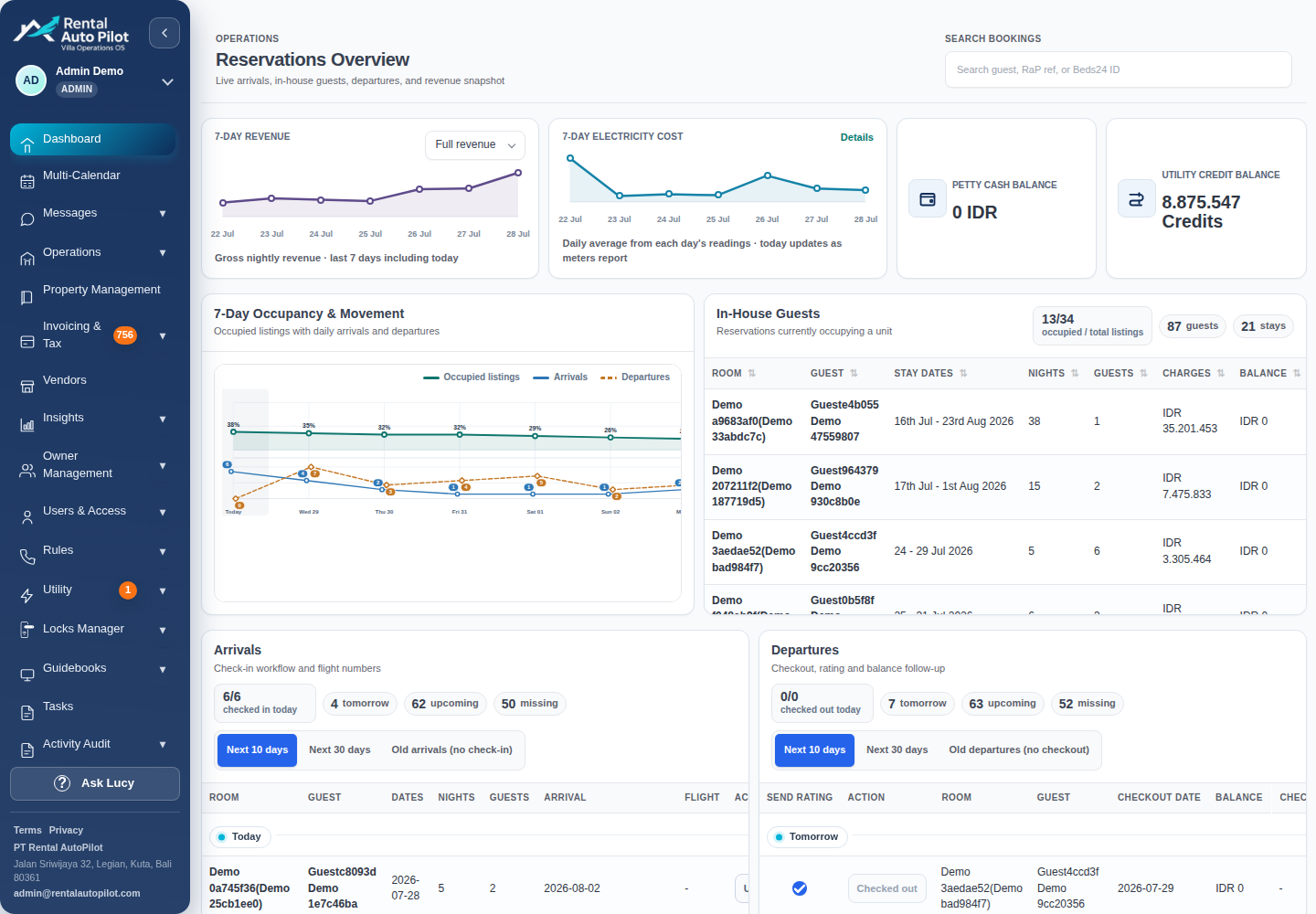
Rental AutoPilot connects supported reservation data with guest communication, unit-aware staff planning, guidebooks, and supported access workflows. Physical-unit editing and synchronization vary by PMS; the current Beds24 workflow has specific unit-allocation support. Confirm the available workflow for your account, provider, and hardware rather than assuming all connections behave identically.
Begin with accurate unit mapping and a daily readiness check. Add messages and access automation once the team can trace a reservation to the correct accommodation and recover when a step cannot complete.
Common questions
What is a multi-unit vacation rental?
It is a property containing several accommodations that can be booked independently, such as studios, apartments, cottages, or suites. Each unit can host its own guest stay while sharing a location, staff, or facilities.
What is the difference between a room type and a physical unit?
A room type is the category sold to a guest. A physical unit is the specific accommodation they occupy. One category can contain several interchangeable units, or each accommodation can be sold separately.
Can several units share a pool and a guest guidebook?
They can share facility information and property directions. Keep each reservation’s private details and access instructions tied to the correct accommodation, and explain which facilities are shared before guests arrive.
Does available room-type inventory guarantee one unit for the whole stay?
No. Availability across individual nights can be spread between units. Check the complete stay and your provider’s allocation rules, and agree any required room move with the guest.
Sources and further reading
Official documentation checked 2026-10-21. Capabilities depend on the product, connection, and account configuration.